The AR drawing app

Trace any picture onto paper. Learn to draw for real.

Pencilbloom shows the picture through your phone’s camera, right on top of your paper. Follow the lines with a real pencil, one part at a time, then color it in.

Coming soon to iPhone, iPad and Android.

free to start

  • 176 pictures
  • Step-by-step lessons
  • iPhone, iPad & Android

Updated

The app showing a picture over the camera to trace it onto paper

your phone sits on a cup

How it works

Three steps, no talent required.

How AR drawing works: the camera keeps the picture lined up with your paper, so you can follow it with a pencil.

  1. Pick a picture

    Choose a drawing from the app, turn your own photo into clean lines, or imagine something new.

  2. Prop up your phone

    Rest it on a cup, a stack of books or a stand, about a hand’s width above the paper.

  3. Trace, then color

    Follow the lines with a real pencil, one part at a time. Your drawing is saved as a time-lapse.

Tracing modes

Two ways to trace.

Use it like a tracing projector with your phone on a stand, or hold it in your hand and let AR keep the picture pinned to the page.

  • Most popular

    On a stand

    Steadiest lines. Best for longer drawings, portraits and anything with fine detail.

  • AR mode

    Hold your phone

    No stand needed. AR pins the picture to your paper even when your hand moves.

Pictures

Trace anything you like.

Start from the library, or turn any photo into a clean line drawing in a few seconds.

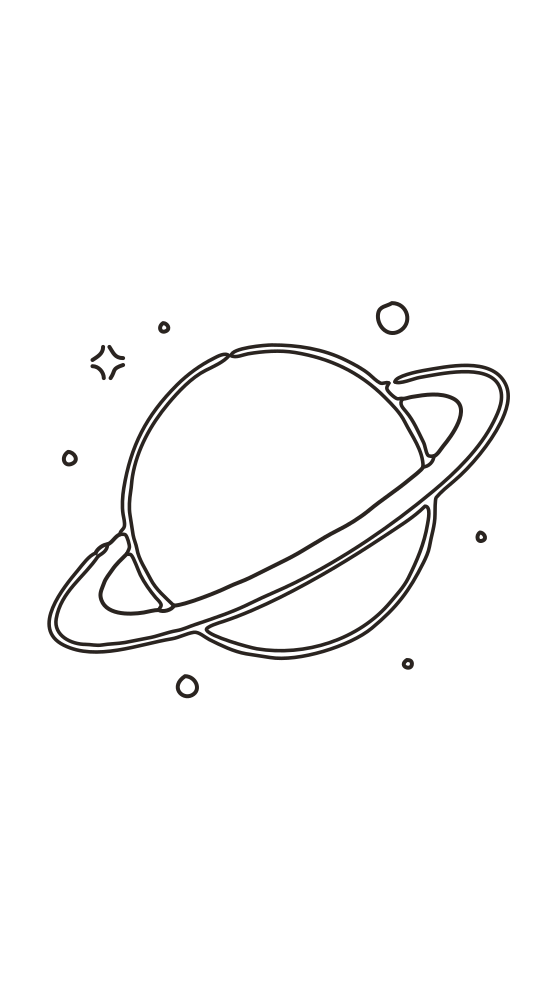
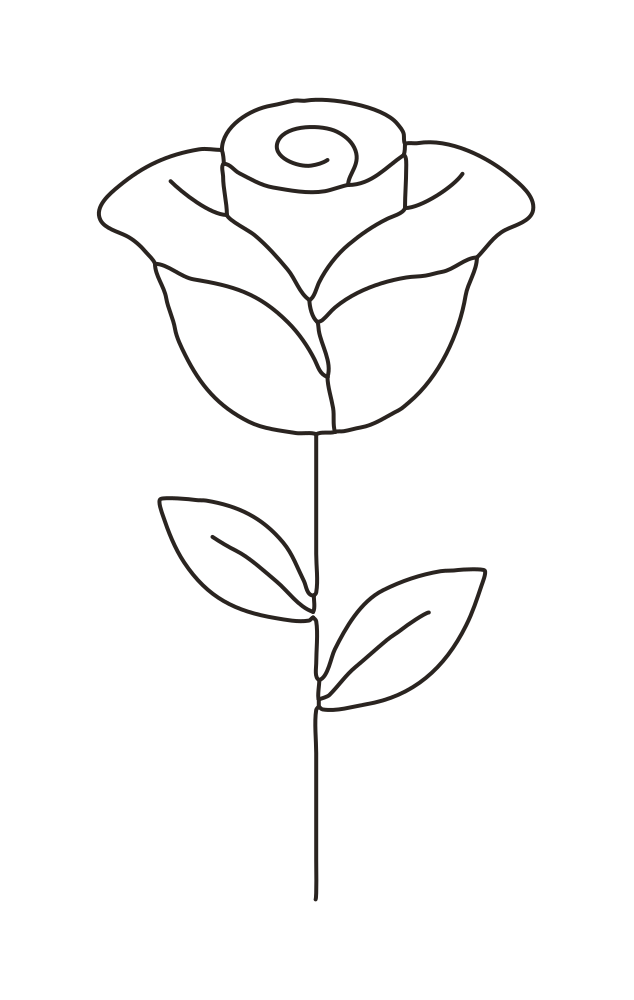
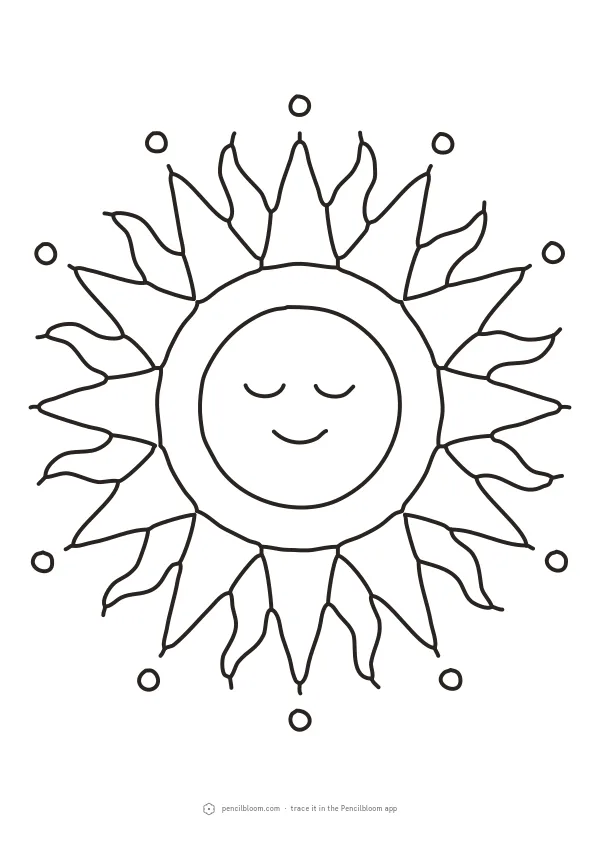
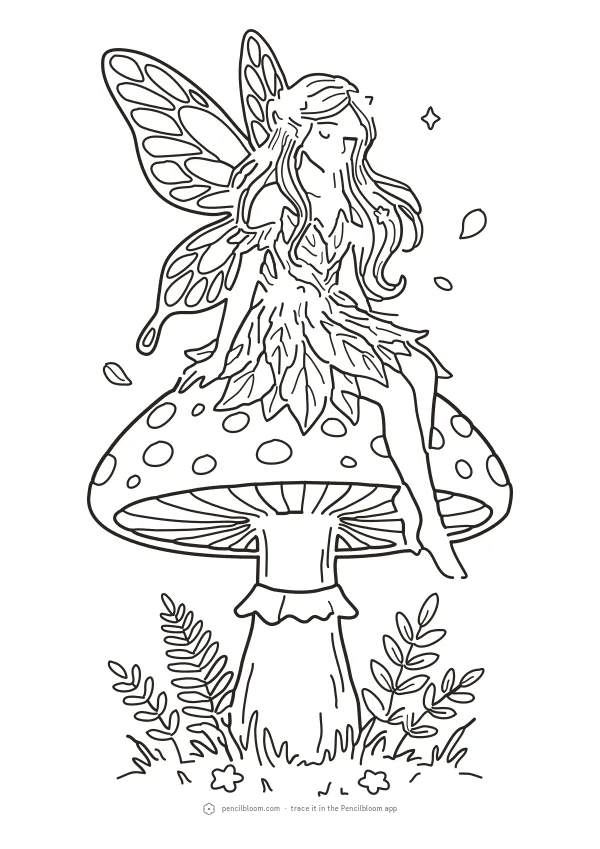
  • 176 drawings Flowers, animals, faces, places, anime and more, sorted by difficulty.
  • Your photos, as lines Pets, people, places: we turn the photo into clean outlines you can trace.
  • Imagine Describe a picture and we draw the lines for you.
A photo turned into a line drawing in the app

Learn to draw

One part at a time.

Step-by-step lessons build each drawing in order: big shapes first, then the details. Short courses take you from your first flower to faces.

See free lessons
A step-by-step drawing lesson in the app

Color

Then color it in.

Fill your drawing with a tap on screen, or follow the color guide and paint the real one on paper.

  • On screen Tap to fill, brush for soft edges, colors never cross the lines.
  • On paper The camera shows which color goes where, one area at a time.
Coloring a page in the app

Keep

Every drawing saves itself.

Your phone records a time-lapse while you draw. Watch it back, share it, and see how far you’ve come.

“I didn’t know I could draw a face.”

Saved drawings in the app

Is tracing cheating?

Artists have traced for centuries, with grids, projectors and the camera obscura.

Tracing trains your hand and your eye. Pencilbloom’s lessons slowly hand the work back to you: more guide at first, less every time, until you draw it on your own.

Read: Is tracing cheating?

Free coloring pages

Print it, or color it in the app.

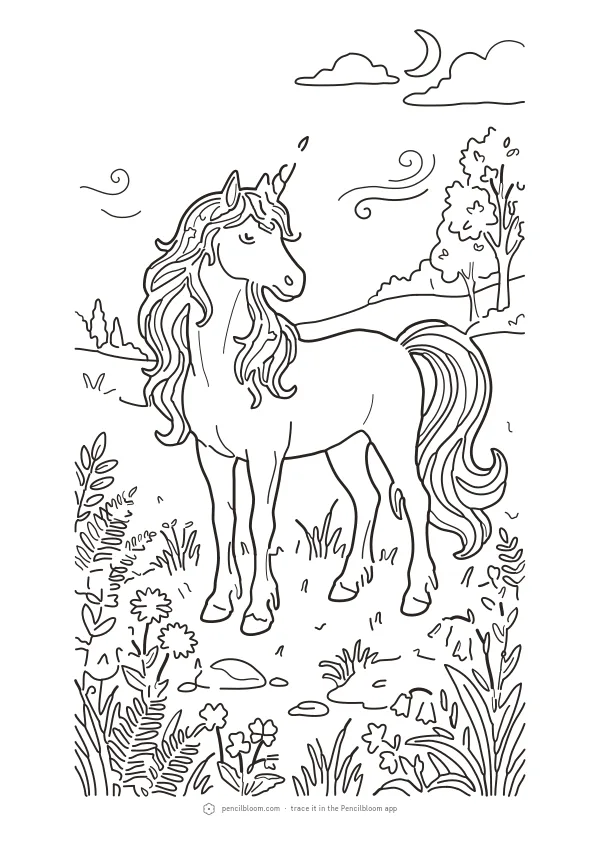
New coloring pages every week: mandalas, animals, flowers and seasons. Download the PDF or open it in Pencilbloom.

Browse coloring pages

FAQ

Questions, answered.

Still stuck? Write to us from Profile › Help in the app.

What is Pencilbloom?

Pencilbloom is an AR drawing app for iPhone, iPad and Android. Your phone shows a picture over your paper so you can trace it with a real pencil, and free step-by-step lessons teach you to draw it yourself. You can also turn photos into line drawings. It's free to start.

How does tracing work: with the camera or on the screen?

Put your phone on a stand and the camera shows the picture over your paper: the steadiest lines. Or hold your phone and let AR pin the picture to the page. Or use Trace on screen: lay thin paper on the screen and trace what shows through, like a light box.

Which phones and tablets does Pencilbloom work on?

Pencilbloom is free on iPhone, iPad and Android. Tracing with the camera works on phones and tablets; Trace on screen is easiest on a tablet, because the bigger screen gives your hand more room.

Is Pencilbloom free?

Yes, Pencilbloom is free to start, with no sign-up and no card. The free app includes pictures to trace, free step-by-step lessons, the first steps of every Pro lesson, coloring on screen and a few photo-to-line conversions a day. Our coloring pages are free to download and print.

Your first drawing takes about ten minutes.

Free on iPhone, iPad and Android.

Coming soon to iPhone, iPad and Android.

scan to download
scan with your phone

Get Pencilbloom on your phone

Scan the code with your phone. It takes you to Pencilbloom on the App Store or Google Play.

Coming soon to iPhone, iPad and Android.